The short answer
Plan for internet access and verification messages.
For a short visit, first compare your existing carrier’s China roaming offer with a compatible travel eSIM. A local SIM is worth considering if you need a mainland number. Whichever you choose, check separately how you will receive messages sent to your usual number.
Where to buy a SIM after arrival ↓Last checked
In this answer
01
Choose by what you need your phone to do.
02
Where can I buy a SIM after arrival?
At the airport, start in your own terminal’s international arrivals area. These are places to ask for a local SIM and registration help. Ask for the current plan and total price before paying; a service centre’s opening hours do not guarantee that every plan can be activated at any hour.
Guangzhou CAN · Terminal 2
International arrivals hall · 境外人士综合服务中心
The centre brings together communications and payment help. Guangzhou’s official guidance confirms short-term SIM sales in T2 with passport registration. Ask at the communications counter before leaving for ground transport.
Location source ↓Guangzhou CAN · Terminal 3
Level 1 arrivals · 电话卡销售
The airport’s T3 opening briefing identifies SIM sales shops on the first-floor arrivals level. Show staff “电话卡销售” to find the current shop. You do not need to travel to T2 just because an older guide only lists that terminal.
Location source ↓Shenzhen SZX · Terminal 3
Level 1 · east of the international arrivals exit
Look for “境外来宾综合服务中心”. Its communications counter sells SIM cards; the centre is listed as open 24 hours. Confirm the available plan and passport registration with the counter staff.
Location source ↓Entering through Shenzhen Bay
Outside the arrivals hall · connecting corridor
The “境外来宾综合服务中心” at 深圳湾口岸 also lists SIM sales. Its published service hours are 06:00–24:00, aligned with the checkpoint. Use this option if you are entering here from Hong Kong.
Location source ↓
03
At the counter, check these three things.
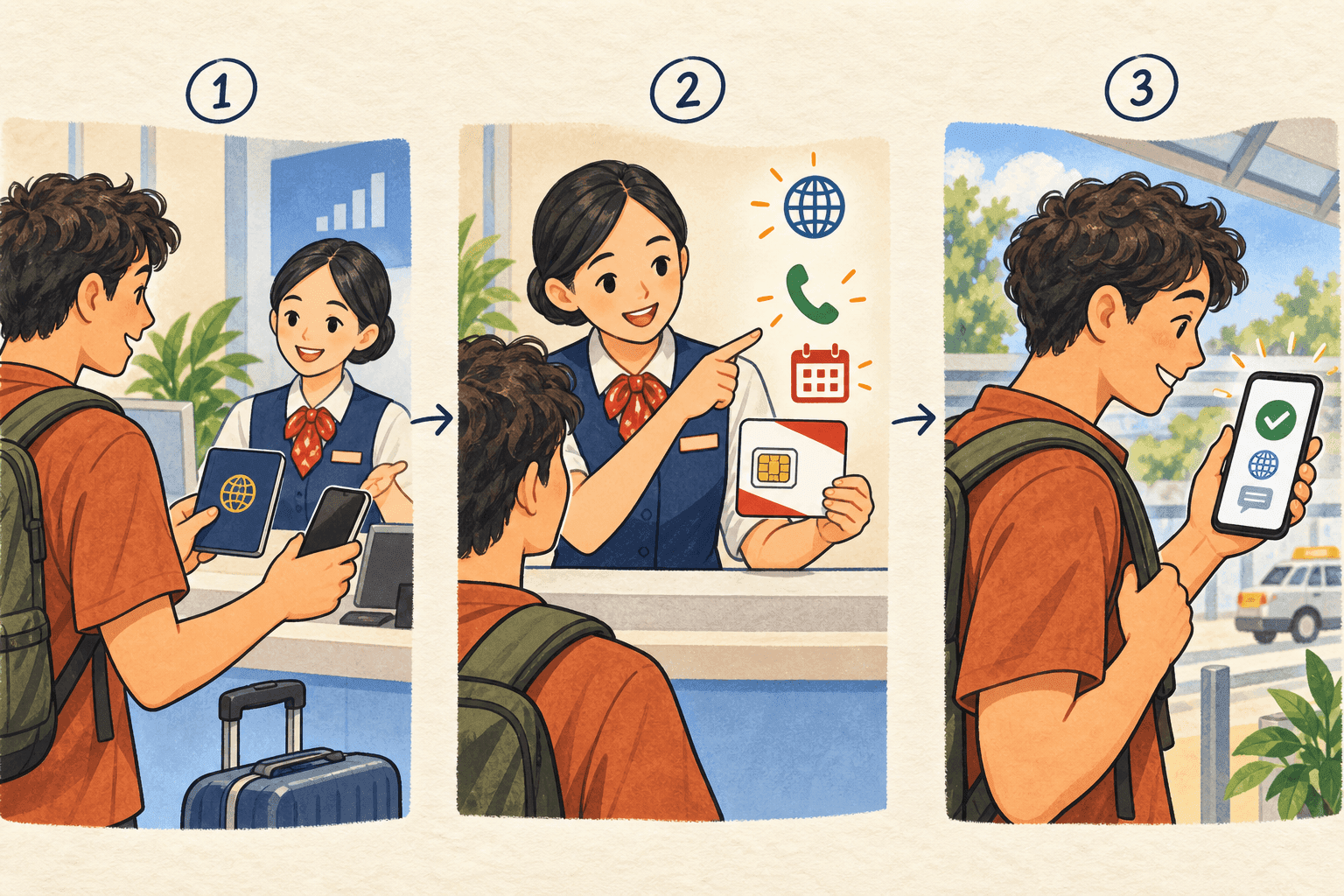
- 1
Bring your passport and the phone you will use
Take your original passport for registration and let staff check that the phone accepts the SIM. If your phone has no physical SIM slot, ask about that exact model before buying. Keep your accommodation address available and ask whether this particular registration needs anything else.
- 2
Ask what the price includes—and when it ends
Confirm mainland data, a +86 number, calls and SMS separately. Ask when validity starts, whether unused data expires, whether charges recur, and how to cancel. Have staff show you the total price and the provider’s support contact. A data-only travel card is not the same as a local phone plan.
- 3
Test it before leaving the desk
Turn off Wi-Fi and open a webpage and your map using the new line. If you bought calls or SMS, ask staff to help test those too. Save the number, receipt and plan details. Messages sent to your old number still need the old line; a new SIM does not receive them automatically.
04
Check the exact phone before buying an eSIM.
The model name alone is not enough: where the phone was purchased and whether it has a carrier lock can matter. On an iPhone, check Settings → General → About → Carrier Lock. Apple uses “No SIM Restrictions” to show an unlocked phone. For other phones, use the manufacturer’s and provider’s compatibility checks.
A travel eSIM from an overseas provider and an eSIM issued by a mainland carrier are different products. Apple’s mainland activation rules depend on the device and purchase region. Read the current rules for your model, especially if it has no physical SIM slot; do not assume a mainland carrier can install a replacement when you arrive.
05
Set up your data line before flying.
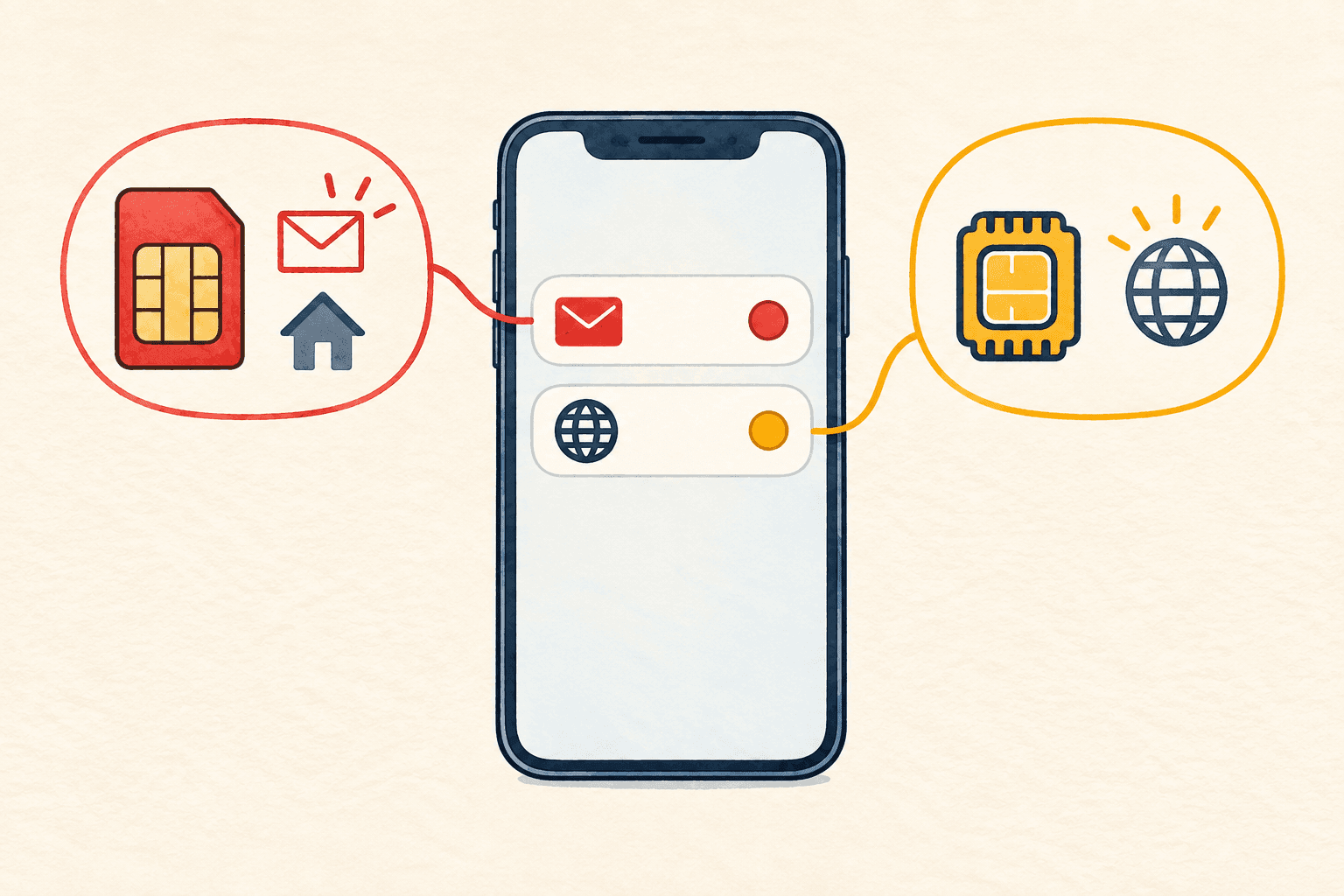
- 1
Check when the plan starts
Before installing, read whether validity begins at purchase, installation or first connection. Follow the provider’s instructions while you have reliable internet. Save those instructions and its support details offline.
- 2
Keep data and SMS straight
If your phone supports two active lines, label them clearly. Choose the travel line for mobile data, and keep the home line available if it is needed for bank messages. Confirm roaming charges with your home carrier and disable automatic data switching if it could use the wrong plan.
- 3
Save the things you cannot afford to lose
Store your hotel’s Chinese name and address, booking confirmation and arrival instructions on the phone. Install your chosen map, translation and payment apps, sign in, and download any supported offline resources. Agree with your hotel how to contact it if your usual messaging service is unavailable.
06
Once you land, test more than the signal bars.
Turn off flight mode, enable the intended line and select it for data. Turn on data roaming for that line if its provider requires it. Open a simple webpage, your map and your payment app before leaving the terminal. Follow the provider’s APN instructions if needed; do not copy a setting from an unrelated SIM guide.
Internet access and access to a particular app are separate issues. Services including Google, Facebook and YouTube are blocked on mainland internet connections. A travel plan’s access can depend on how its provider routes traffic, so check the services you need with that provider. Do not assume hotel Wi-Fi will restore access.
Airport and hotel Wi-Fi can help with setup, but a login page may require extra steps. If you cannot complete them, ask staff about the access method. Keep the saved hotel address available even when nothing connects.
If something goes wrong
There’s a next step.
I have data, but my verification SMS never arrives
A data-only plan cannot receive ordinary SMS. Check that the code is going to the intended number and that its line is enabled and registered on a supported roaming network. Ask that carrier about SMS roaming. Buying more data will not fix a missing SMS service.
The eSIM is installed, but there is no internet
Check coverage, validity, remaining data and which line the phone is using. Then follow the provider’s roaming, network and APN instructions. Contact support before deleting the eSIM: reinstalling may require a new activation from the provider.
Do I have to buy a Chinese number?
Not just to register Alipay or WeChat: official guidance allows an overseas number. Some other services may require a mainland number or a local call. Check the services you actually plan to use, rather than buying a number for every possible app.
Will my usual messaging app work on hotel Wi-Fi?
Do not count on it. Agree on another contact method before departure and save essential information offline. If a webpage loads but one app does not, it may be an access restriction rather than a weak signal or an empty data allowance.
Sources & checks
Sources checked on 12 September 2026. Account eligibility, device support and transport arrangements can change; check the relevant official guidance again before travelling.
- Apple · Using eSIM while travelling internationally
- Apple · eSIM activation in China mainland
- Airalo · Data-only plans, calls and SMS
- Ministry of Commerce · Visitor SIM registration and mobile payments
- UK Foreign Office · Internet access in China
- Guangzhou government · T2 communications counter and short-term SIMs
- Guangzhou Daily · T3 airport briefing and Level 1 SIM sales
- Shenzhen government · Airport and Shenzhen Bay SIM counters, locations and hours
- Qianhai government · Shenzhen airport service centre on Level 1
- Tianjin Communications Administration · Passport registration and national carrier hotlines